SteemPlus 3.4 : Get some SPP for sharing SteemPlus updates with your followers


Reblog to earn SPP
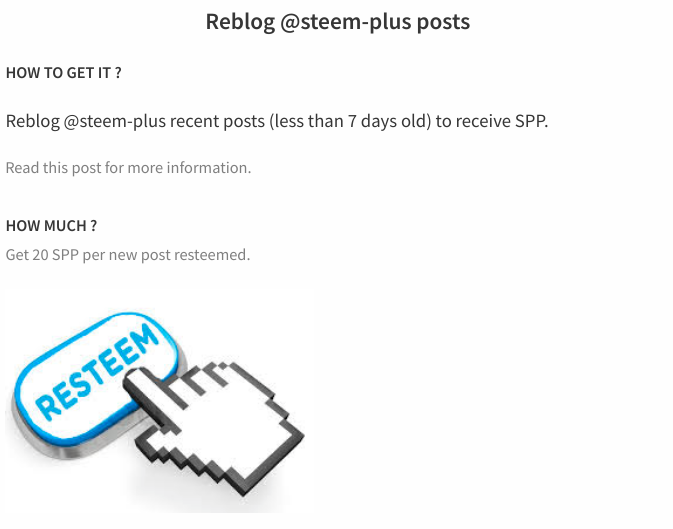
Reblogging (or resteeming) a @steem-plus post will now earn you 20 SPP.
That s an easy way for you to accumulate a few extra SPP over time while helping us promoting the service.
It will only work if you reblog a blog less than 7 days after it was posted to the blockchain.
In order to do this, we used @arcange 's SteemSQL to fetch the applicable reblogs.
We also added the information regarding the reblogs on our "How to earn SPP?" tab on SteemPlus extension:
What are SPP ?
SteemPlus Points are utility tokens that will grant you a vote from @steem-plus according to your SPP stakes.
In the future, they will also be redeemable for premium features.
More details in here.
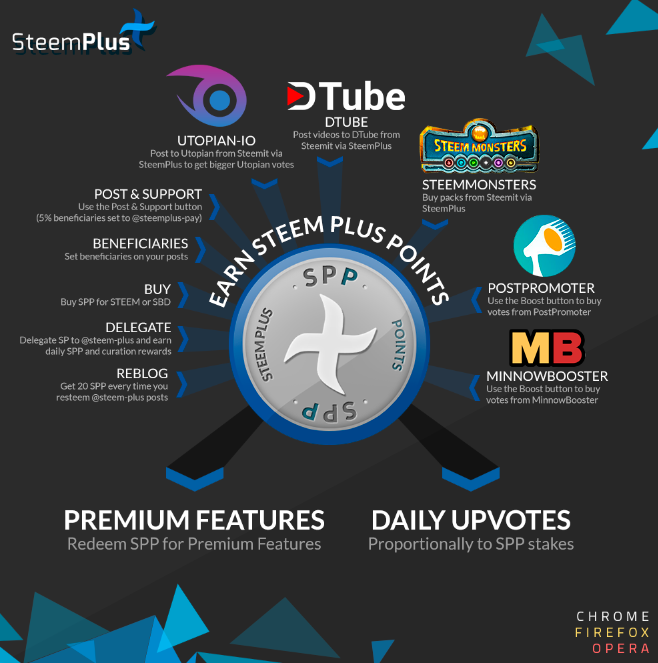
Huge thanks to @fabiyamada for this awesome infographics! Reblogs will be added to it in the future.
Delegation
We received more than 2 000 SPP from many of our users!
If you want to delegate to us to earn, check this post, delegating is the easiest way to earn passive SPP income!
Additionally all the money generated by SteemPlus is powered up and delegated to the @steem-plus account. In only a few weeks, this delegation is already over 600 SP.
Let s grow together!
Coming soon
Big refractor
We wanted to get a lot of things done before the SteemFest and were keeping a very fast developing pace. Now that much has been done, it is time to refractor the API that has become really hard to read in its current state. We ll make it a priority!
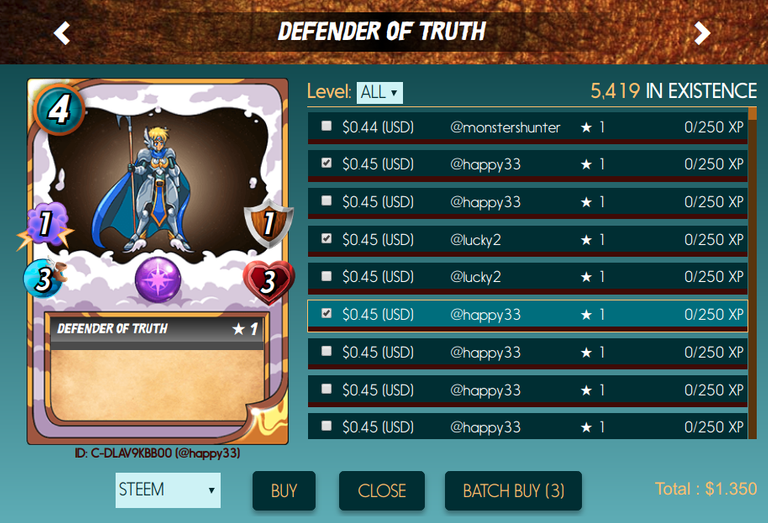
Steem Monsters batch buy
I ll just throw a teaser ;)
SPP stats
@steem-plus will soon start to publish daily SPP stats updates. In the meantime, you can check our API to see how you fare in terms of SPP compared to other SteemPlus users, see how the SPP are distributed and what is the total number distributed.
Repository:
https://github.com/stoodkev/steemplus
Pull Requests
Installation and updates
You can download and install SteemPlus directly from the Chrome Store if you are using Chrome or Firefox(follow this link for Chrome, this one for Firefox ).
For installation procedures on Opera, please check our documentation.
Updates shouls occur automatically. If not, click right on the extension logo > Manage my extensions > Update.

Steem on!
@stoodkev and @cedricguillas for @steem-plus